AI video tool
AI Music Video Generator
Generate music-video-style clips from a vibe prompt. Stylized light, rhythmic camera energy.
Example clip frames — describe a scene to generate video.

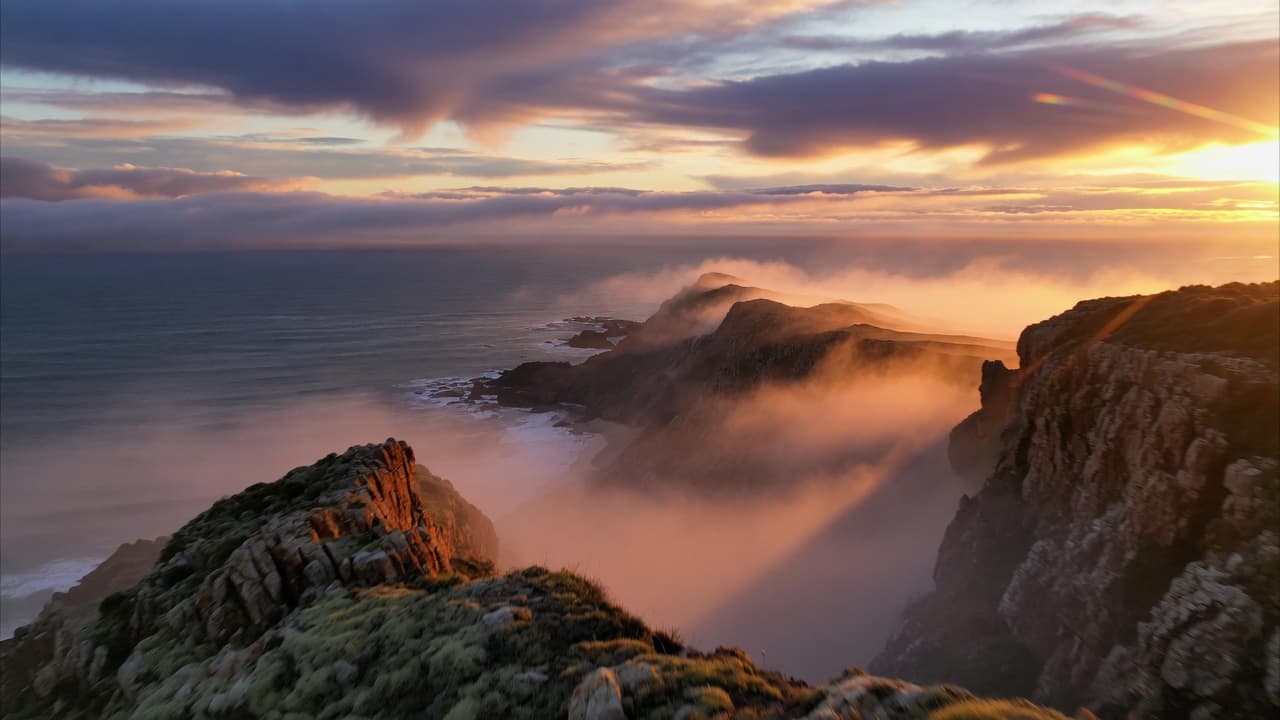
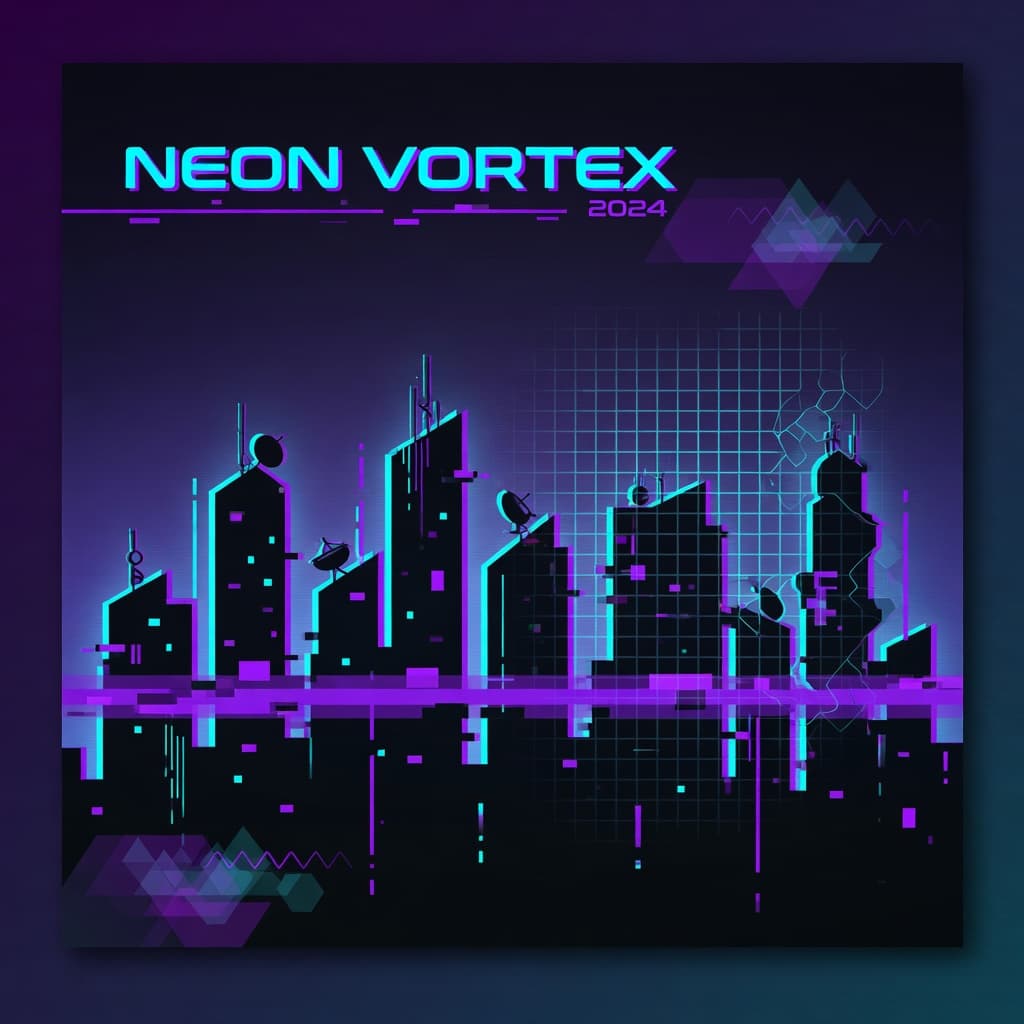
Example looks
Music-video aesthetics
Stylized light and performance frames for music-video concepts — 16:9 clip stills.
Open Imagine with a scene prompt — generate a short clip.
What Icelake offers
What AI Music Video Generator does
AI Music Video Generator turns text or stills into short motion clips. Open Imagine with a video model and a motion-ready prompt — generate without a local GPU.
Text or still input
Prompt a scene or animate an uploaded frame.
Video model ready
Defaults to seedance-1-5-pro-text-to-video.
Short-form focus
Built for clips, teasers, and concept previews.
Private drafts
Iterate without a public feed default.
Why Icelake
Why Icelake for best music video ai generator
People searching for best music video ai generator want a clear tool, not a vague AI homepage. Icelake mirrors Canva-style tool pages: show the result, open the workflow, generate.
Motion without setup
Generate clips in the browser — no local video stack.
Recipe, not a waitlist
Open with prompt and model ready for the job.
Private drafts
Concept motion stays in your session until you download.
Same studio as stills
Move between image tools and video in Imagine.
How it works
How to use AI Music Video Generator
Three steps: open, prompt, generate — same clarity as top creative tool pages.
- 1
Open the workflow
Click Start Generating — Imagine loads the AI Music Video Generator recipe.
- 2
Write or refine the prompt
Use the starter prompt as a base, then add your subject and details.
- 3
Generate
Generate in the browser and preview the result in your session.
- 4
Download
Save locally. Prompts are not used to train models for other users.
Use cases
What you can make with AI Music Video Generator
Practical jobs this tool is built for.
Social clips
Draft short motion posts for reels, ads, and teasers.
Concept previews
Show stakeholders a moving version of a key idea.
Story beats
Turn scene descriptions into a few seconds of film-like video.
Still animation
When upload is required, animate an existing hero image.
Privacy
Private best music video ai generator on Icelake
AI Music Video Generator runs in a private Imagine session. Your prompts are not used to train models for other users.
Generate, iterate, and download — keep results on your device.
No training on prompts
Session prompts are not fed into public training loops.
No public gallery default
Results stay with you after download.
Guest-friendly
Try free credits before a plan.
Frequently asked questions
Don't see your answer? Contact support or start chatting free.
- What is best music video ai generator?
- AI Music Video Generator on Icelake is a one-click Imagine tool: mode (text-to-video), model (seedance-1-5-pro-text-to-video), and a starter prompt open in a private browser session.
- Can I start from text only?
- Yes. This tool is text-first. You can still attach references later in Imagine.
- Do I need to install software?
- No. Everything runs in the browser — open the workflow and generate.
- Is it free to try?
- Yes. Free guest credits let you test the real tool before upgrading.
- Is generation private?
- Icelake is built so prompts are not used to train models for other users. Download results to keep them on your device.
- Can I change the model?
- Yes. The default is seedance-1-5-pro-text-to-video, and you can switch in the model picker anytime.
Try AI Music Video Generator free
Open Icelake Imagine with this tool preloaded — free guest credits, private by default.